How do I delete my account or some of my data?
Delete everything from You or the Dashboard, or remove only some of your data.
- In the Android app: open You and choose Delete account at the bottom.
- On the website: sign in and open Dashboard → Account, then choose Delete my account.
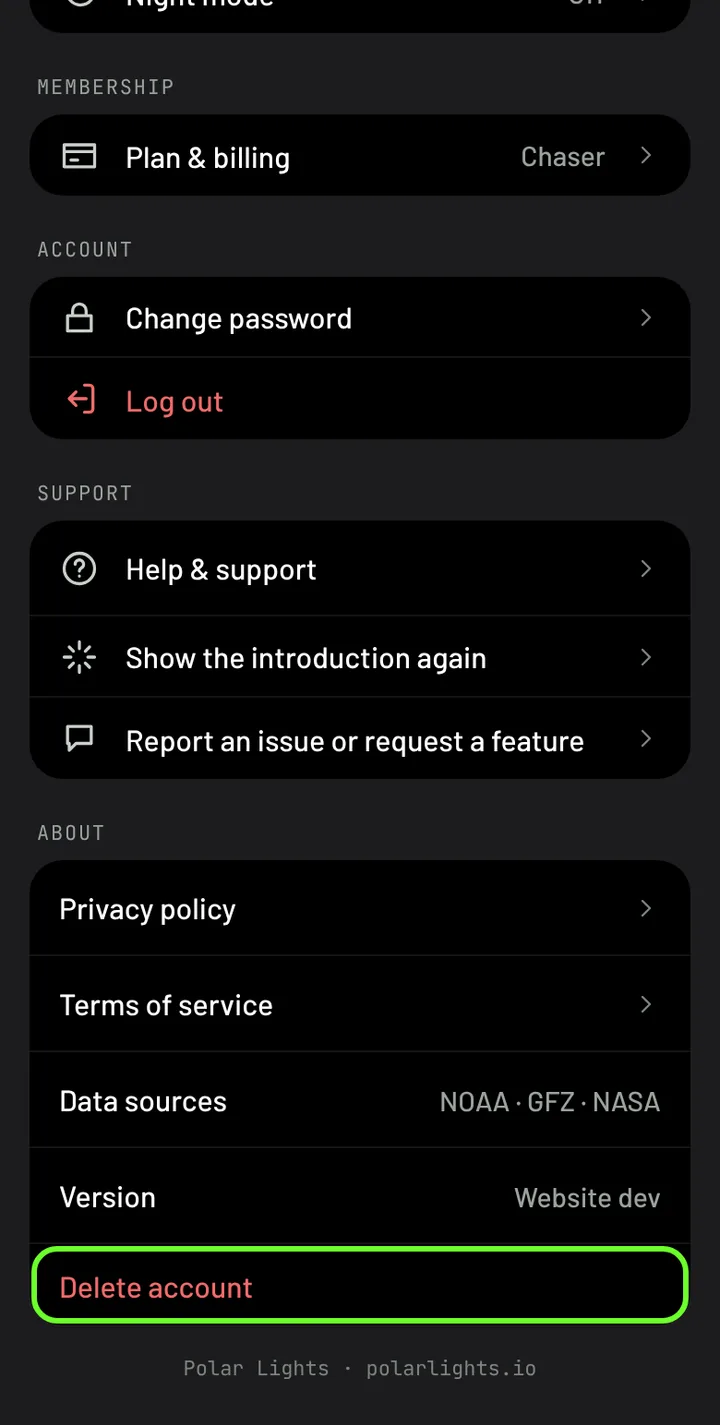
Your account and its data are deleted straight away and you're signed out. You can also keep your account and remove only some data: saved locations, gallery photos or alerts. Delete your account explains how, what else you can ask us to remove, and exactly what is deleted.