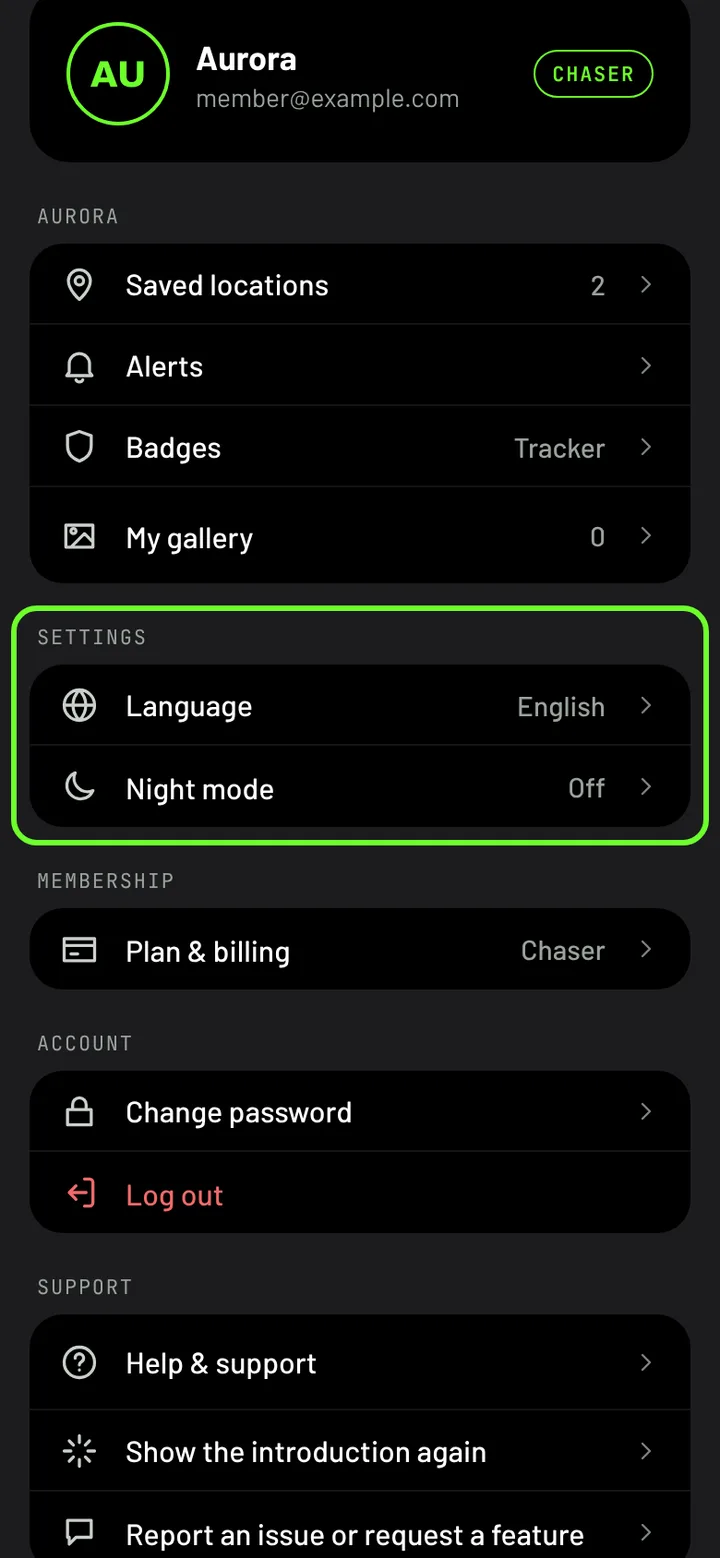
Night mode and language
Red night mode keeps your eyes used to the dark, and Polar Lights speaks ten languages.
Night mode
Your eyes take about 20 minutes to get used to the dark, and a bright white screen undoes that in seconds. Night mode draws the whole app in dim red so it doesn't.
On a phone, open You → Night mode and choose:
- Off,
- On, or
- Auto when dark, which turns it on once it's dark where you are.
Language
Polar Lights is in English, Spanish, French, German, Dutch, Norwegian, Danish, Swedish, Finnish and Russian. It starts in your device's language when it can.
To change it, open You → Language on a phone, or Dashboard → Account → Language on a computer. When you're signed in, your alert emails use the same language.