Create an account and sign in
A free account keeps your places on every device and lets you get alerts, report sightings and earn badges.
You can read the forecast without an account. You need one to:
- get aurora alerts by email or push,
- keep your saved places on every device,
- report a sighting with I saw it, post photos and earn badges.
The account is free. Chaser is an optional upgrade; see Plans: Free and Chaser.
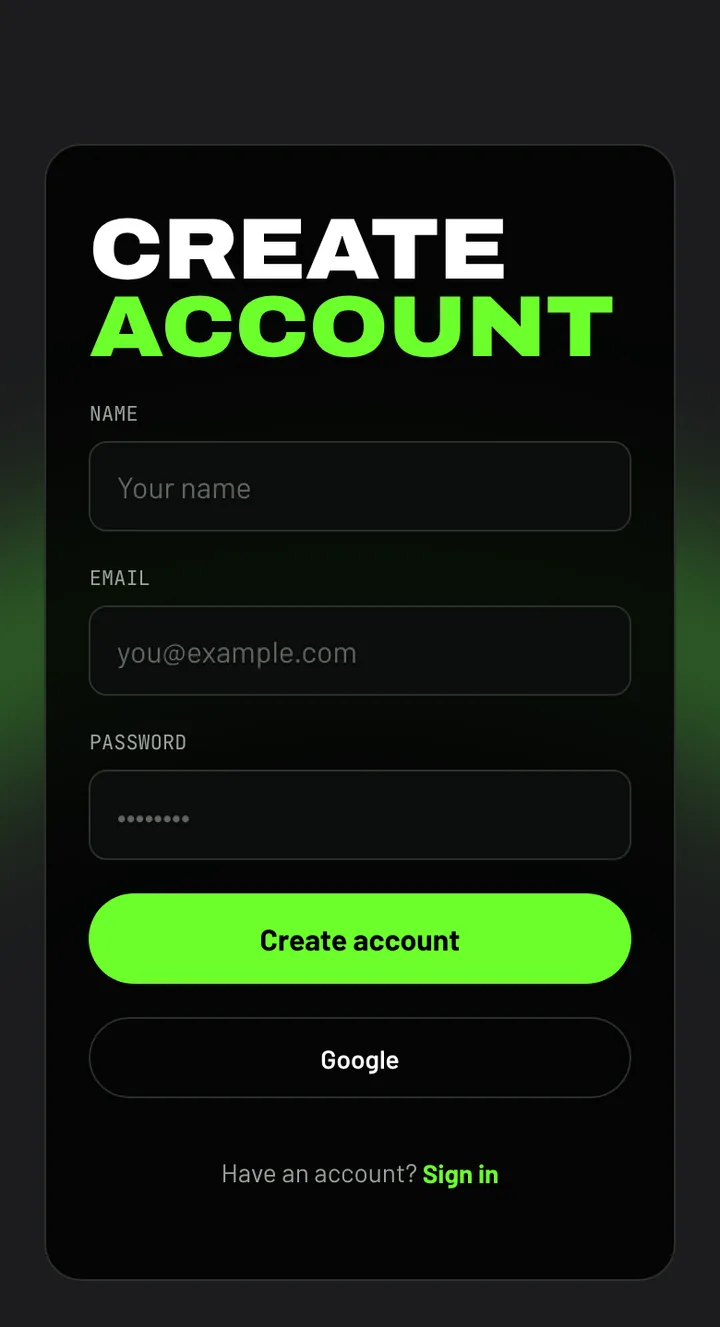
Create an account
- On a phone, open You and tap Create account. On a computer, choose Sign in at the top right, then Create an account.
- Enter your name, email address and a password of at least 8 characters, then tap Create account.
- Open the confirmation link we email you to finish.
Or tap Google to use your Google account instead of a password.
Sign in on another device
Choose Sign in and use the same email and password, or Google. Places you saved on that device before signing in are added to your account, up to your plan's limit.
Forgot your password?
On the sign-in form, choose Forgot your password?, enter your email and tap Send reset link. The link in the email lets you set a new password.