Report a sighting with I saw it
One tap tells other members nearby that the aurora is out, and counts towards your badges.
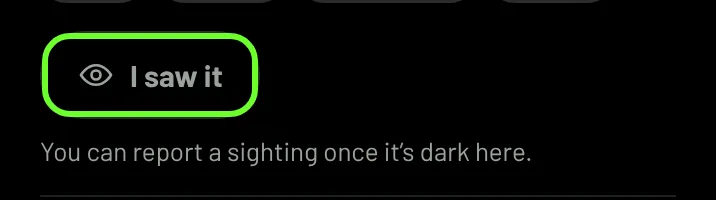
When you can see the aurora, tap I saw it on the Tonight card. Your report shows on the map for members nearby, and helps the forecast for everyone.
Report it
- Make sure you're signed in.
- On Now, tap I saw it on the Tonight card.
- Choose How bright?: Faint, Clear or Bright. This is optional.
You'll see how many other people reported aurora nearby in the last hour.
When you can report
- It has to be dark at the place on the card. Until then the button reads You can report a sighting once it's dark here.
- One report every 12 hours. One report covers the whole night.
What happens next
- Reports show on the map's Sightings layer for 3 hours, without anything that identifies you.
- About an hour later your report is checked. It's confirmed when another member reports aurora within 50 km and an hour of you, or the forecast showed a real chance where you were.
- Confirmed reports earn points and badges. See Badges and ranks.